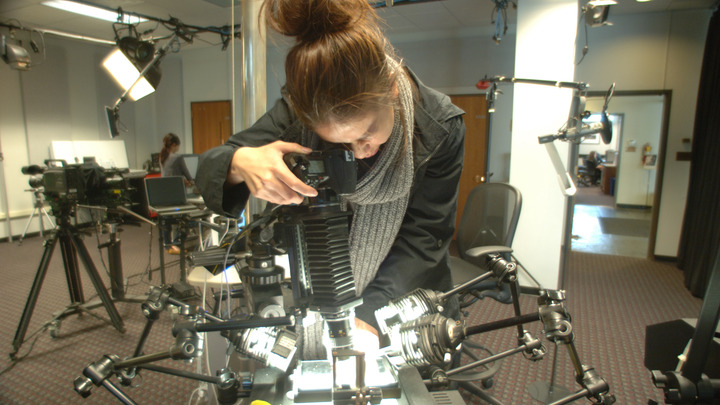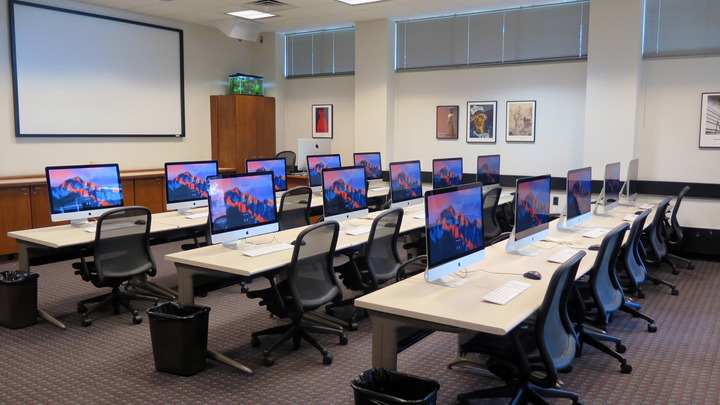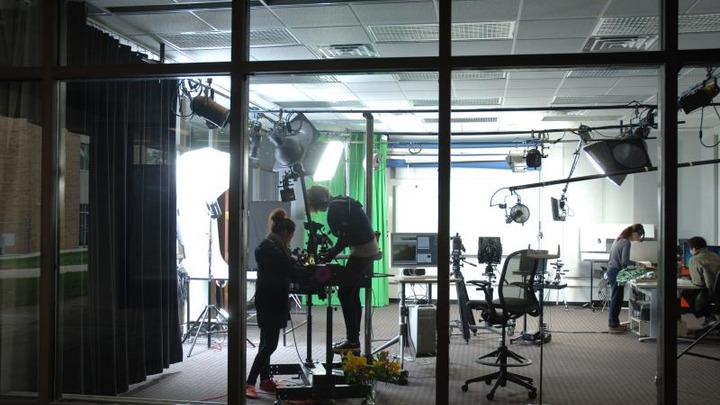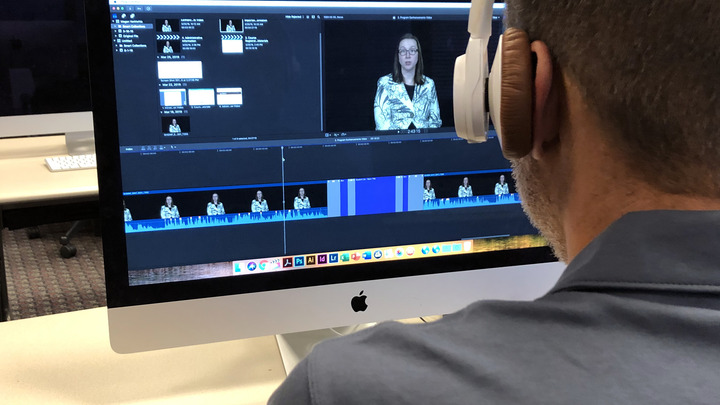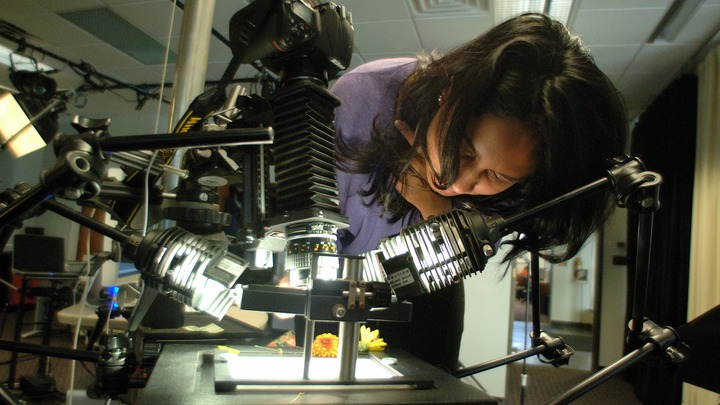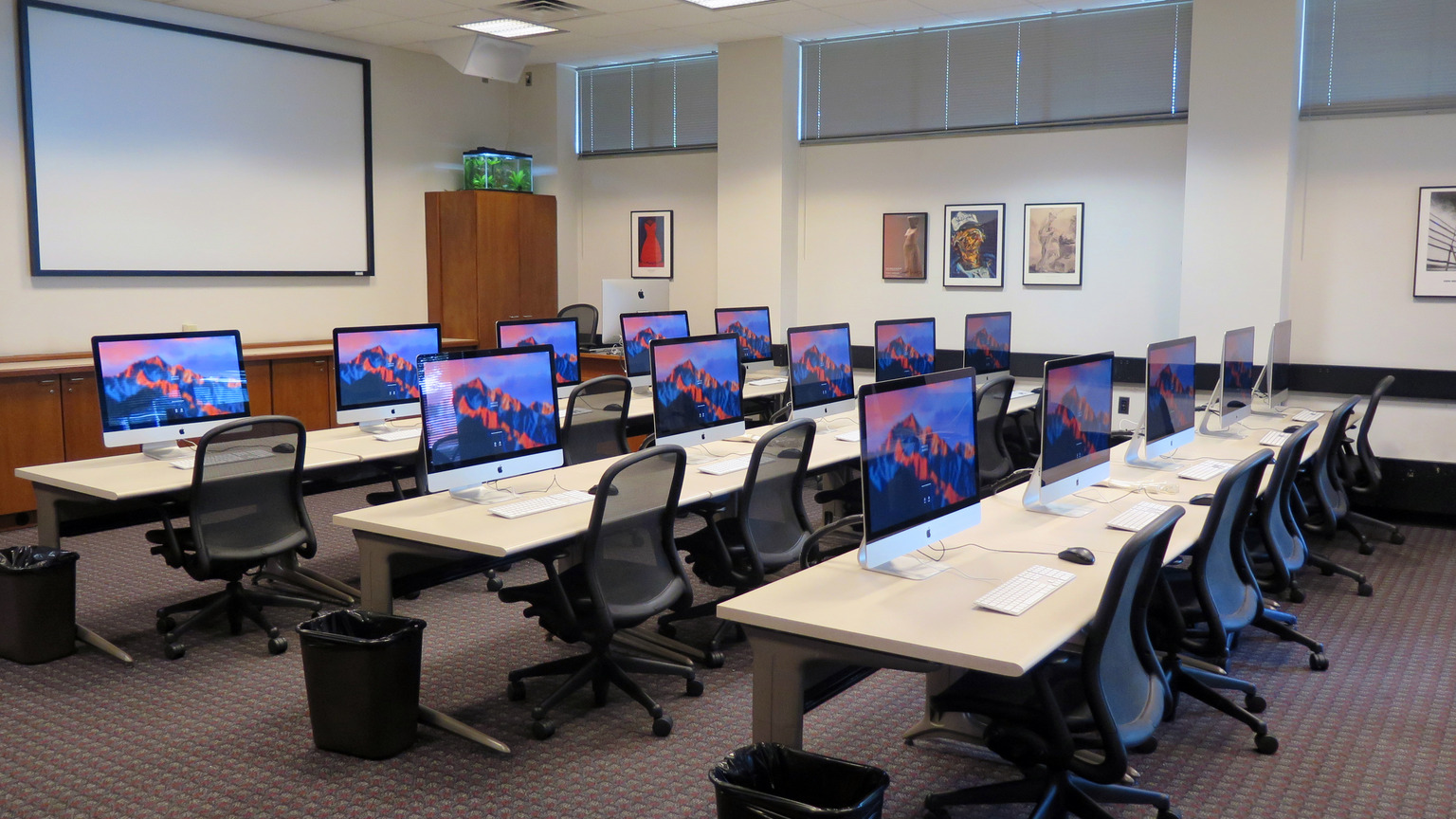
Part of the Center for Innovation in Teaching and Learning, the Digital Media Studio contains both a professional-grade recording studio and a collaborative learning facility offering media-rich work areas, advanced creation technology, powerful Mac workstations, printers, and scanners to support graphic- and video-related projects for students, faculty, and staff.
DMS Lab hours:
Monday - Thursday: 8am - 11pm
Friday: 8am - 5pm
Saturday: 9am - 11pm
Sunday: 9am - 11pm
- View catalog of all equipment loaned from the Digital Media Studio Lab
- View lab open hours and reservations
(During breaks):
Monday - Friday: 8am - 5pm
Saturday - Sunday: Closed
DMS Studio hours:
Monday - Friday: 8am - 5pm
Saturday - Sunday: Closed
Please contact inmediad@lehigh.edu to make reservations.
The Digital Media Studio consists of two wings, located in the EWFM Library, 4th floor south, breezeway entrance. To the east is the studio area which houses resources for video recording including green-screen, photography, audio recording, video editing, and media duplication. This area and its resources are available to all members of the Lehigh community by appointment only and with the active involvement of professional staff.
The west wing houses a 20 station Mac computer lab with both basic and advanced video editing software on every station, including an instructor station, projection system, scanners, and color and black and white printers. The DMS Lab is a staffed public site with extended hours and a very specific charter: to support graphic and video related projects for students, faculty and staff. As a teaching space, the room can be scheduled and reserved for instruction.
Loaner equipment can be borrowed from the DMS Lab service desk. The most popular items are video camera kits, microphones, tripods, as well as equipment used in support of classroom presentations such as video projectors, wireless classroom microphones, portable PA systems, audio recorders, presentation remotes, and display adapters.
For information or reservations email inmediad@lehigh.edu or call 8x3057.